

Whether you shoot with your iPhone or a digital SLR, the built-in software is limited in its editing options.
The best approach is to download them to your PC where you can organize, store, and upload them to social media and other platforms. This also gives you access to some of the best photo editing software available.
Whether you want to eradicate red-eye or are looking for noise reduction and keyword tagging, there is a multitude of photo editing programs to choose from.
Below, we’ve listed 8 of the best photo editors. We’ve included some free programs, as well as premium options. And remember, if all you’re looking to do is crop an image and apply a sepia filter, your phone software or an online platform like Instagram will do all of this, and more, for free.
The 8 Best Photo Editing Software Solutions
1. Adobe Photoshop – Best For Design Professionals

When it comes to photo editing software, there is a reason that Adobe dominates our list. Since the launch of the original Photoshop in 1990, it has set the bar for image and photo editing. It continues to improve with each iteration of the software.
Photoshop offers considerably more than photo editing. It does have a raft of photo editing features, but it also lets you work in layers. This enables you to add different elements to your design, so you can combine images, overlay complex borders, or other designs, and you can create everything from logos to infographics and entire marketing pamphlets and leaflets.
You can only get Photoshop as part of a subscription deal, now, but this means that you can add other Adobe programs while also spreading the cost. You can also add Adobe Stock to your subscription, which offers up to 10 professional images per month.
Photoshop can be downloaded on your mobile device, as well as your desktop. For the most part, it has an intuitive interface, which is all the more impressive considering the huge range of image editing tools that are included. There are occasions, especially when you first start using the software, that the options will seem overwhelming.
Conclusion
Photoshop will do everything you want it to, as long as you can find the options and settings. However, this does come at a price. In this case, that price is monthly and typically bundled with other packages. The addition of premium features hikes the price up even further.
It is ideal for design professionals, most of whom probably already use it, but its combination of high price and extensive editing options means that it will be too much for novices and most hobbyists. Honestly, some people will love the subscription, others will prefer a one-off fee.
2. Adobe Lightroom – Best For Professional Photographers
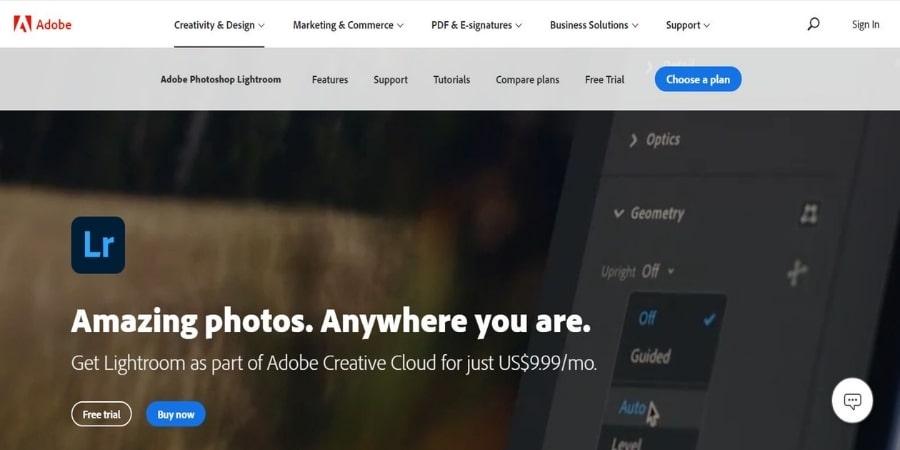
For pure photo editing, you don’t need layers or vector graphics capabilities. You need to be able to apply filters to improve clarity, quality, color, and focus. You need to be able to remove blemishes and imperfections, without the image looking, for lack of a better term, like it’s been heavily Photoshopped.
Lightroom is aimed at photographers, rather than graphic and visual designers. It is much easier to understand, with a simpler interface. Its primary focus is image sorting and categorization. Choose the photo you want to edit from the list on the left, make edits on the right, and add keywords to the images as you go.
Adobe Lightroom is much more than just a premium file explorer, though, and you will find advanced tools aplenty across the top of the screen. Up here, you’ll find the necessary tools for lens correction, effect application, and much, much more.
One feature we found especially useful is the convenient history drop-down next to the file management tab. This invites you to experiment with the multiple features and functions that Lightroom has to offer, safe in the knowledge that you can easily revert to when you last had a recognizable image file.
You can tag photos, store them from within the software, and you can rank them, too. The ranking system is just a star rating system. If you have photos that need dire attention, because they’re due to be sent to a client or put on display in a couple of days, for example, you can assign them five stars.
Pictures of the dog that you would quite like to share on Facebook get a one star. The pictures can then be sorted by star rating, allowing you to prioritize your efforts on the most important pieces first.
Conclusion
As with almost all of Adobe’s offerings, Lightshop comes with a monthly subscription rather than as a one-off purchase. While this keeps the initial cost down, and it does mean that you always have access to the latest version and features, the costs eventually add up, especially if you take extra storage through Adobe.
However, the combination of informative tutorials to teach you the ropes, intuitive interface that is easy to navigate, and the extensive range of features geared towards the photographer, make this the best photo editing software for photographers.
3. Adobe Photoshop Elements – Best For Hobbyists

Hobbyists don’t make money from their photo editing or image creation skills, but they still want many of the same features. Digital cameras are everywhere, and even those incorporated into our mobile devices offer exceptional quality pictures. While the hobbyist may be prepared to pay a decent fee for decent features, the price should not be equivalent to professional software.
Adobe Photoshop Elements is a rare breed. It’s an Adobe picture editing suite without the subscription requirement. Buy it, install it, learn it, and use it to enhance your photographic skills. Elements is effectively a pared-down version of the full Photoshop suite.
It still offers a lot of the image manipulation tools that its bigger sibling offers. It benefits from Sensei AI technology which brings you Guided Edits.
Guided Edits are a selection of simple wizard-style edits that you can quickly apply to your photos. Using these, you can give the appearance that you know what you’re doing. Some of the effects are very basic, such as converting a color photo to black and white.
They can be easily achieved in expert mode, but if you’re a hobbyist that doesn’t want to learn, then these Guided Edits mean that the Photoshop Elements software stands out.
Using this program, you can work with your chosen photos and then order personalized gifts and cards directly from the program. This could prove handy if you’re looking for unique gifts or personalized items, but you’ll likely have a preferred store.
As a hobbyist, you will want to share your creations with others. Photoshop Elements does enable simple sharing via share buttons in the software, but the options are somewhat restricted. There’s no Instagram. There’s no Pinterest.
There’s no Facebook Messenger or WhatsApp, either. You can save images and upload them, but one-click sharing saves a good few button presses and it would have been nice to have additional options here.
Conclusion
The one-time purchase, Guided Edits, and really simple interface make this the best option for the keen hobbyist, but it could be improved with more social options.
4. DxO Photolab – Best For Noise Reduction

Noise reduction is one of the most commonly used photo editing techniques used, especially on mobile phone pictures. It can remove blemishes that have been highlighted by the increased noise that is caused by contrasting light and dark areas on an image, as well as the small sensors deployed by mobile phones.
However, greater noise reduction isn’t always the best option. The right amount of noise reduction minimizes file sizes and it can be used to remove noise that detracts from the overall image. Too much noise reduction means that faces look like porcelain dolls and other shots start to look like photorealistic paintings.
Whether you use a digital SLR or a mobile phone, you can shoot images in RAW format, although you may have to install a third-party app on your phone or change the default settings on your camera.
Once you have a RAW file, though, you can then edit this using photo editing software. This enables you much greater control over the level of noise reduction you use. You can even control the areas of the image where you apply noise reduction and those where you don’t.
However, like the smartphone settings, results can vary.
DxO’s latest version of Photolab offers some of the best noise reduction results available. While most software looks at neighboring pixels to determine which pixels are fine detail and which are just noise. DxO, in Prime mode, looks at a larger patch of pixels.
This means that it does a better job of working out what is noise and what is not. You do have to export the image to let Photolab do its thing, and it can take a minute or two with high ISO files, but it is well worth the wait.
The noise reduction is excellent without leaving you with an unrealistic or ridiculous looking photo. It preserves detail while eliminating noise, and that is the ultimate goal with this feature.
Conclusion
Beyond noise reduction, Photolab is a reasonable photo editing suite. It does a good job of removing haze and correcting images. But, while DxO has improved the software’s workflow and image explorer and saving options, it is still found wanting when compared to the likes of Adobe Photoshop Elements.
You will need to buy the Prime version of the software to enjoy the best noise reduction levels, and this does cost more than the standard, but you get what you pay for in this instance.
5. Skylum Luminar – Best For Social Media
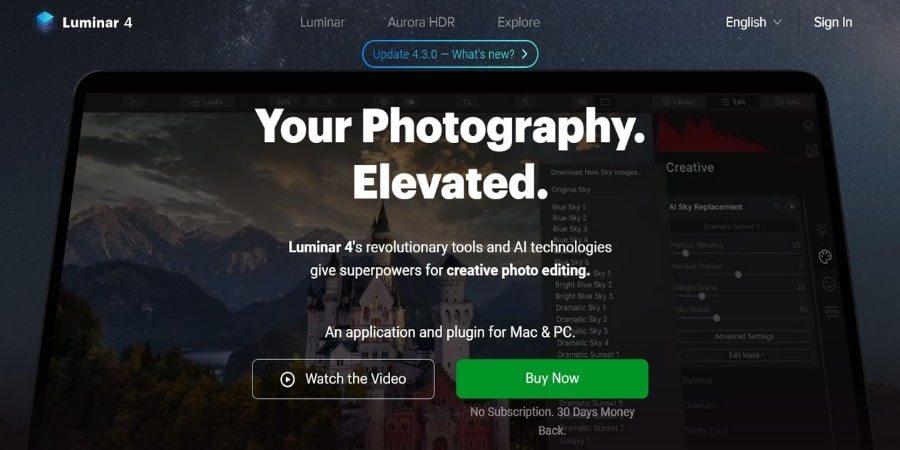
Whether you run a commercial Pinterest page or a social Facebook page, uploading and sharing images is a great way to stay in touch with your connections, but you can’t just share any photo.
You will want to crop the images, maybe add a few words of text to create a meme, and even apply some simple filters. There shouldn’t be much need for advanced noise reduction or other complex features.
You can use your mobile phone tools to perform a lot of these functions, and these usually offer the benefit of making it simple to share images to major social media sites and messenger apps.
You can also use online services like Canva and even some image sharing sites like Instagram include filters and other modifications that can be easily applied.
If you’re looking to make the transition from mobile phone software to something more professional, Skylum Luminar offers a great bridge. It is very user friendly, even more so than Lightroom. It has a host of preset edits and filters, most of which give good results. It has cataloging features, although this is one area where Lightshop still excels.
Luminar lets you layer edits and a host of gradient and color edits. You can also customize your workspace, which enables you to get rid of the filters you don’t use, replacing them with those that you do.
Another potential benefit of Luminar is its price. It requires a one-off fee, rather than a subscription, and costs the same as a six-month subscription to Adobe’s software. While this does mean a bit of an initial financial hit, it also means that once you’ve paid, you don’t have to keep paying.
Conclusion
As well as the one-off, low cost, Luminar has a good range of share buttons that let you share directly to Facebook, through Apple Messages, and on a limited series of photo-sharing sites.
It’s quick and easy to use, with a simple interface, and it lets you customize your filters so that you have easy access to those that you use most often. It is a solid choice for social media sharers that want to upgrade from their existing phone or social media software.
6. Corel Paintshop Pro – Best For The Budget Conscious

Photo editing software tends to offer a lot of features and filters. This is great if you need them, but inflates the price if you don’t. The common trend is also to charge a subscription, rather than a purchase fee, and while the low monthly cost initially looks attractive, it quickly adds up. If you’re operating on a tight budget, it may be best to steer clear of subscription-based models.
Another photo editing suite that doesn’t require a subscription is